
Querying a Lakehouse in Plain Chinese
Querying a Lakehouse is simple: access your data, write a query, and read results. Learn how lakehouses make data analysis fast, secure, and accessible.
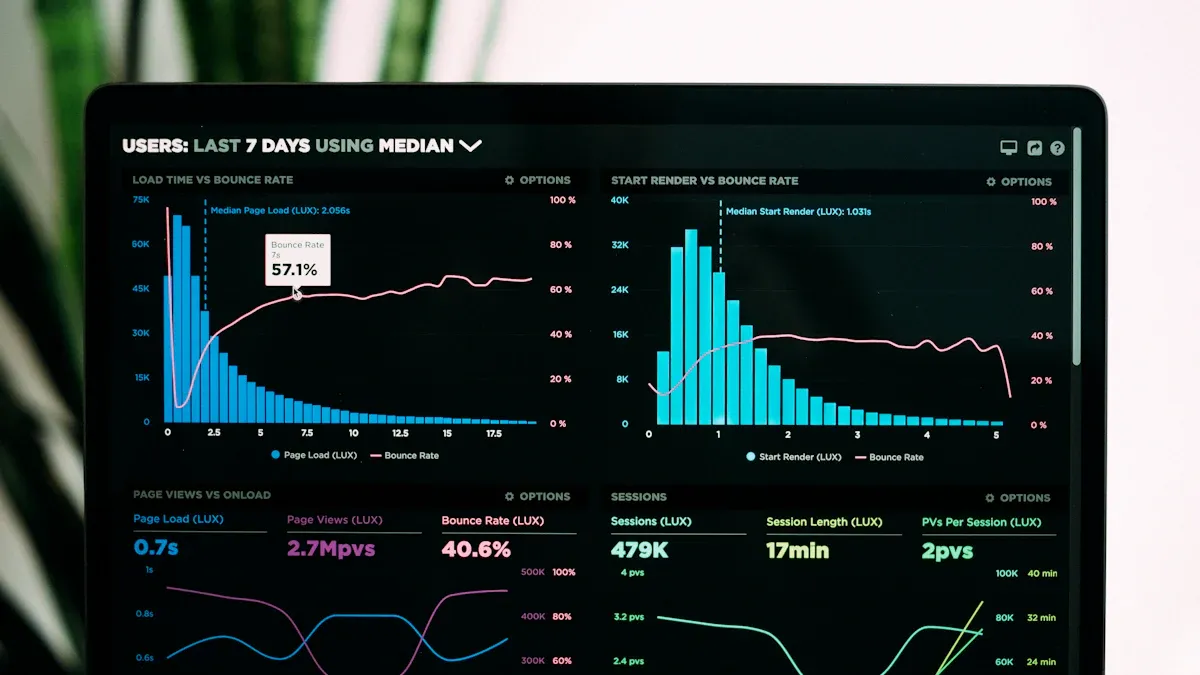
Querying a Lakehouse means you ask questions to get answers from your data, almost like searching for information in a big library. Many people choose this method today. In fact, 65% of data professionals use data lakehouses, while 35% use traditional data warehouses.
Architecture Type | Percentage of Use |
|---|---|
Data Lakehouses | 65% |
Traditional Data Warehouses | 35% |
You can feel confident learning this skill, because most people now work with lakehouses every day.
Key Takeaways
Querying a Lakehouse allows you to ask questions and get quick answers from your data, similar to searching in a library.
Lakehouses combine the benefits of data lakes and warehouses, supporting various data types and providing fast results.
You can access a lakehouse through different methods like explorers, notebooks, and pipelines, ensuring secure and efficient data handling.
Writing basic queries in SQL is straightforward, and many tools can help you visualize and analyze your data easily.
Following best practices, like managing metadata and avoiding common mistakes, can enhance your querying experience and keep your data safe.
What Is a Lakehouse Query?
Simple Definition
When you perform a lakehouse query, you ask your data questions and get answers back. You do this by using simple commands, much like searching for a book in a library. Querying a Lakehouse lets you find the information you need quickly, even if you have a lot of data stored in different formats.
Lakehouses combine the best parts of data lakes and data warehouses. You can work with many types of data, like text, numbers, or images. You also get fast results, just like in a traditional warehouse. Lakehouses use smart features such as partitioning, clustering, and data skipping. These features help you find answers faster and make your work easier.
You can use lakehouses for both real-time and batch data.
Lakehouses support many users, including those who work with business intelligence, AI, or machine learning.
You store all your data in one place, which helps you avoid making extra copies.
Why It Matters
Lakehouse queries help you make better decisions. You can use them for business reports, predictions, or even advanced analytics. Many people choose lakehouses because they are flexible, cost-effective, and easy to scale.
Benefit | Description |
|---|---|
Lakehouses use low-cost storage, saving you money. | |
Flexibility | You can use them for many types of analytics, from simple to advanced. |
Improved data governance | Features like ACID transactions keep your data safe and accurate. |
Scalability | You can handle more data as your needs grow, without slowing down. |
Lakehouses also make data more accessible for everyone. A strong metadata layer helps teams control who can see or use the data. This means you can trust that your data stays private and secure. Even if you are not a technical expert, you can still use data in your daily work and make smarter choices.
Querying a Lakehouse: Steps

Querying a Lakehouse may sound complex, but you can break it down into three simple steps. You will first access the lakehouse, then write a basic query, and finally run the query to read your results. These steps help you get answers from your data quickly and safely.
Accessing the Lakehouse
You have several ways to access a lakehouse. Each method gives you a different way to explore and work with your data. Here are some of the most common methods:
Lakehouse explorer: This is the main page where you can load and explore your data.
Notebooks: You can write code here to read, change, and save data.
Pipelines: These tools help you pull data from other places into your lakehouse.
Apache Spark job definitions: You use these for building and running data jobs.
Dataflows Gen 2: These help you bring in and prepare data for use.
Before you start, you need to log in securely. Most lakehouse platforms use strong authentication standards.
For Authentication, the go-to standard today is OAuth2 and OIDC which is well standardized and implemented by all major IdPs.
You should always use secure passwords and follow your company’s security rules. When connecting, make sure your data stays safe. Data encryption and strong access controls protect your information from unwanted access. Many platforms also help you meet important rules like GDPR and CCPA, so your data stays private and legal.
Connection tools like Databricks SQL and Azure Synapse make Querying a Lakehouse easier. These tools let you connect to your data, run queries, and see results all in one place. They also help you work with data from different systems, making your job faster and simpler.
Writing a Basic Query
Once you have access, you can start Querying a Lakehouse by writing a basic query. Most lakehouses use SQL, a simple language for asking questions about data. Here is an example of a basic SQL command you might use:
SQL Command |
|---|
CREATE EXTERNAL TABLE table_1( |
col_1 int, |
col_2 int, |
col_3 int) |
FILE_FORMAT = (FORMAT csv HEADER ON IGNORE 1 LINES) |
FILES = (URI = 'oci://mybucket@mynamespace/data_files/data_file_1.csv'); |
This command creates a table from a CSV file stored in your lakehouse. You can then use simple commands like SELECT * FROM table_1; to see all the data in that table.
Many tools help you write and run these queries. Some of the most popular platforms include:
Databricks: Offers a workspace for analytics and data science.
Dremio: Lets you do self-service analytics.
Power BI and Tableau: Help you visualize and report on your data.
These tools make Querying a Lakehouse more user-friendly, even if you are new to SQL.
Running and Reading Results
After you write your query, you run it to get answers from your data. The results show up in your tool, often in a table or chart. You can use these results to make reports, spot trends, or answer business questions.
Unity Catalog plays a big role in keeping your data safe and organized when you read query results. It manages who can see or use the data, tracks changes, and keeps a record of where your data comes from.
Evidence Description | Source |
|---|---|
Unity Catalog manages metadata, access control, and data lineage tracking, ensuring consistent and secure data governance across all workspaces. | Databricks Unity Catalog Implementation |
Centralized access control simplifies security and governance, providing a central place to administer and audit access to data and AI assets. | Best practices for data and AI governance |
Data lineage provides visibility into data transformations and helps track the lifecycle of data, which is crucial for governance. | Best practices for data and AI governance |
You can trust that your data stays secure and that only the right people can see it. This makes Querying a Lakehouse safe for everyone in your team.
Tip: If you want to get started, try using a notebook or a lakehouse explorer. These tools help you practice writing queries and seeing results right away.
Querying a Lakehouse gives you the power to find answers, create reports, and make smart decisions. You can use these steps on many platforms, such as Databricks, Snowflake, Google BigLake, and Amazon Redshift. Each platform offers tools to help you connect, write queries, and see your results quickly.
Tips for Lakehouse Queries
Mistakes to Avoid
You may run into common mistakes when Querying a Lakehouse. Knowing these can help you avoid trouble and keep your data safe. Here is a table showing frequent mistakes and their impact:
Mistake Description | Impact |
|---|---|
Flat tables grow huge and slow down queries; overly nested ones are hard to process and prone to errors. | Use modular design and separate metadata for better scaling. |
Ignoring schema changes: Adding a new field can break jobs. | Always enforce schema rules and keep compatibility. |
Overusing small files: Too many tiny files slow down queries. | Compact files and monitor sizes. |
Not planning for changing data early: Missing logic for history can cause problems. | Prepare for historical analysis from the start. |
Skipping metadata management: No catalog makes data hard to find. | Invest in metadata tools early. |
Not logging data loads: Failures go unnoticed. | Always log what you load. |
Assuming all tables need the same lifecycle: Medallion architecture is a guide, not a rule. | Adapt your management to your needs. |
Poor partitioning: Bad strategy increases costs. | Test access patterns for efficiency. |
No clear access policies: Lack of control can lead to data loss. | Set roles and audit often. |
You should also watch out for schema mismatches. If you remove columns, keep views for them so you do not break other queries. Backward-compatible schema changes help you keep your data safe and your queries working.
Backward-compatible schema evolution is important. It protects your data and keeps downstream queries running smoothly.
Best Practices
You can follow best practices to get better results and avoid slow queries. Here are some tips:
Enable Adaptive Query Execution to optimize joins and handle uneven data.
Run
ANALYZE TABLEto collect statistics for smarter query plans.Test performance using data that looks like your real data.
Prewarm clusters and caches to speed up your first queries.
Find and fix bottlenecks early in your design.
Monitor query speed and adjust resources as needed.
Real-time data ingestion gives you the latest data. You can make faster decisions and get more accurate answers. This makes Querying a Lakehouse more powerful for your business.
A SQL AI Assistant can help you write better queries. It can generate new queries from your questions, explain what queries do, fix errors, and make your queries easier to read. Here is a table showing what a SQL AI Assistant can do:
Feature | Description |
|---|---|
Query Generation | Creates queries from your natural language prompts. |
Query Optimization | Makes queries simpler and faster, showing you side-by-side results. |
Query Explanation | Explains queries in plain language so you understand them. |
Error Fixing | Finds and fixes mistakes so your queries run smoothly. |
Tip: Use a SQL AI Assistant if you are new to writing queries. It can help you learn and avoid mistakes.
You can query a lakehouse by following three simple steps: access your data, write a basic query, and read your results. Many users find lakehouses helpful, especially in large companies. Some users say smaller teams may face challenges with complexity or project fit. Others like the standard ETL process but want better on-demand analytics. Remember, you can start small and learn as you go. Anyone can master these steps with practice. Give it a try and see what insights you discover!
FAQ
What is the main benefit of using a lakehouse?
You get one place to store and analyze all your data. This makes your work faster and easier. You do not need to move data between different systems.
Do I need to know coding to query a lakehouse?
You do not need to be a coding expert. Many tools let you use simple commands or even click buttons. You can also use a SQL AI Assistant for help.
How do I keep my data safe in a lakehouse?
You set strong passwords and use secure logins. Unity Catalog helps you control who can see or change your data. Always follow your company’s security rules.
Can I use real-time data in a lakehouse?
Yes! You can work with real-time data. This means you see updates as they happen. Your reports and dashboards always show the latest information.
See Also
The Significance of Lakehouse in Modern Data Management
Creating a WeChat Mini-App for Personalized Service Experiences
Comparing Apache Iceberg and Delta Lake Technologies
Enhancing Dataset Freshness by Linking PowerBI with Singdata Lakehouse
Exploring the Concept of Private-Domain Traffic Originating in China